





I use multiple computers and multiple mobile devices. This is mostly because I like keeping my personal devices/accounts separated from my work-related things, also … company policy. The last 4 years I am using an apple macbook, it’s a managed and restricted device. With managed devices, a lot of features like virtualization, containers or even VPN, anything that has network access and many other functionality were restricted. Recently I got a replacement macbook, thanks to our IT, and now for the first time I can use my old device as an unmanaged macbook.
Oh, I missed a lot!

Tart
To start my journey, I want to quickly spawn virtual machines (mostly ubuntu server) to test/run self hosted applications. I found Tart Virtualization to be excellent for this.
Tart is a virtualization toolset to build, run and manage macOS and Linux virtual machines on Apple Silicon.
To install and use tart is extremely easy:
brew install cirruslabs/cli/tart

tart clone ghcr.io/cirruslabs/macos-tahoe-base:latest tahoe-base
tart run tahoe-base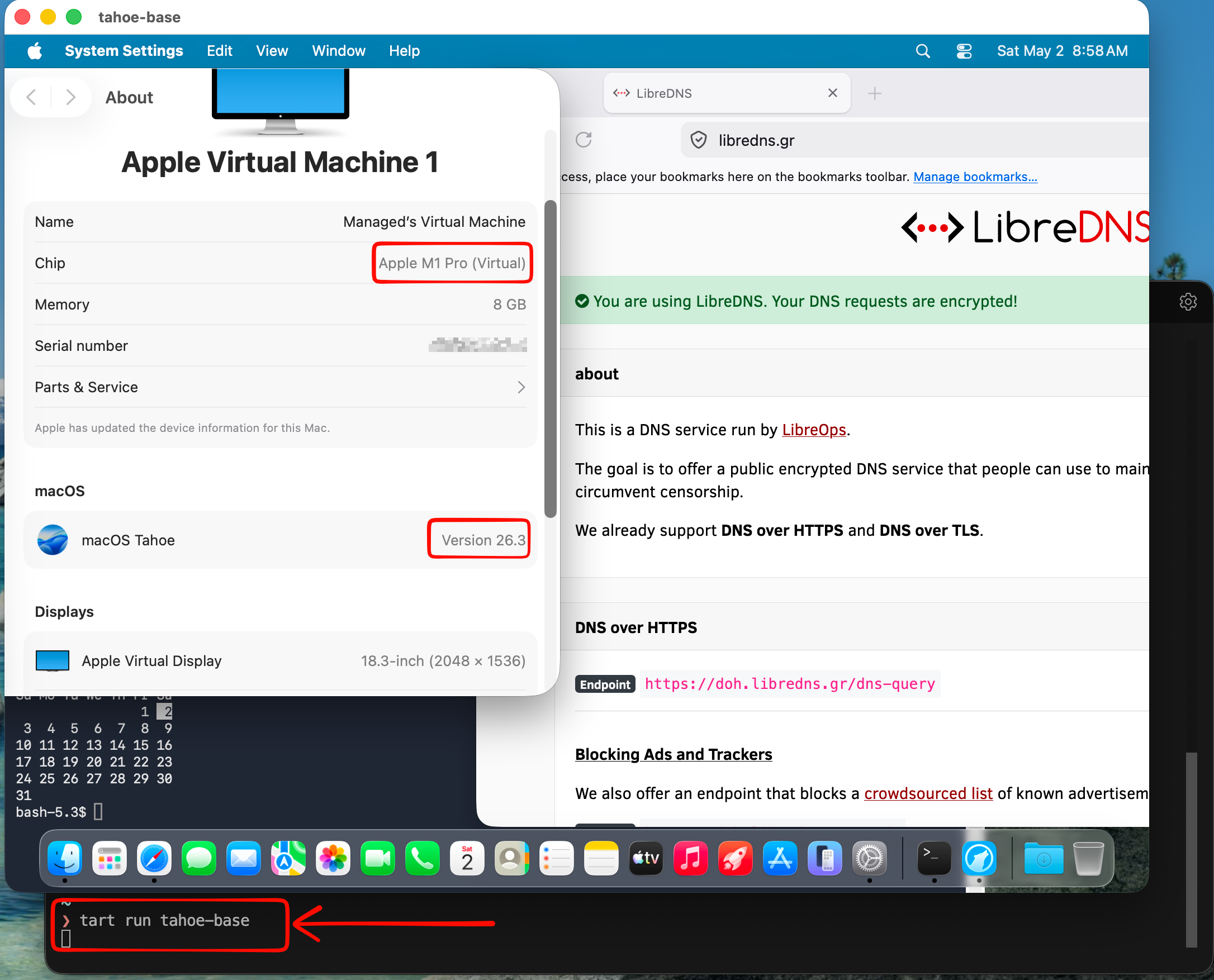
Ubuntu virtual machine
is very easy to setup an ubuntu virtual machine with tart, as an ubuntu image already exist
tart clone ghcr.io/cirruslabs/ubuntu:24.04 ubuntu
tart set ubuntu --disk-size 20
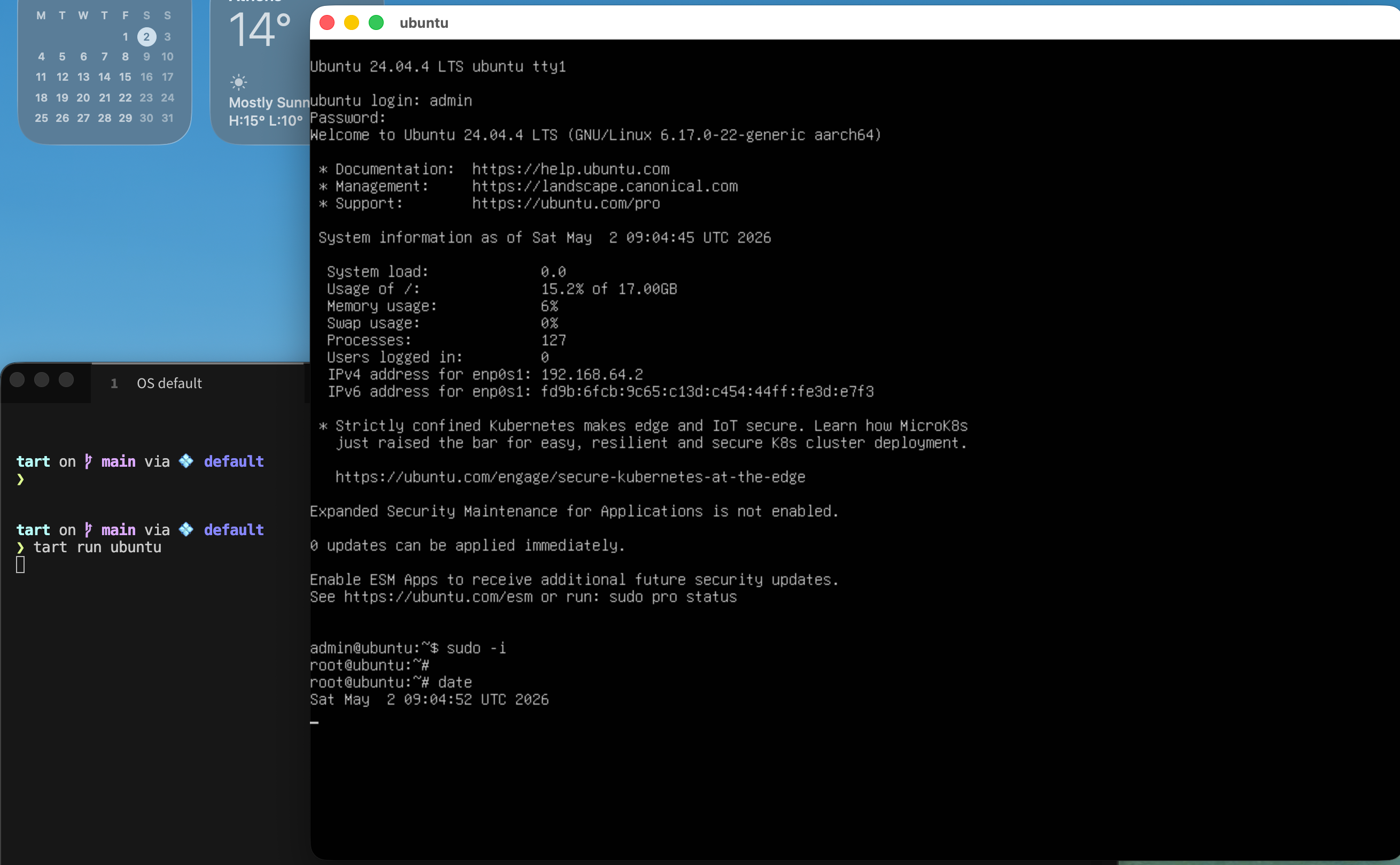
tart run ubuntu
and the default credentials are:
Username: admin
Password: admin
caveat: Change them if you are going to use them in production.
We can also change the default values
like cpu and/or memory settings, as disk size above
❯ tart set ubuntu --memory 8192
❯ tart set ubuntu --cpu 4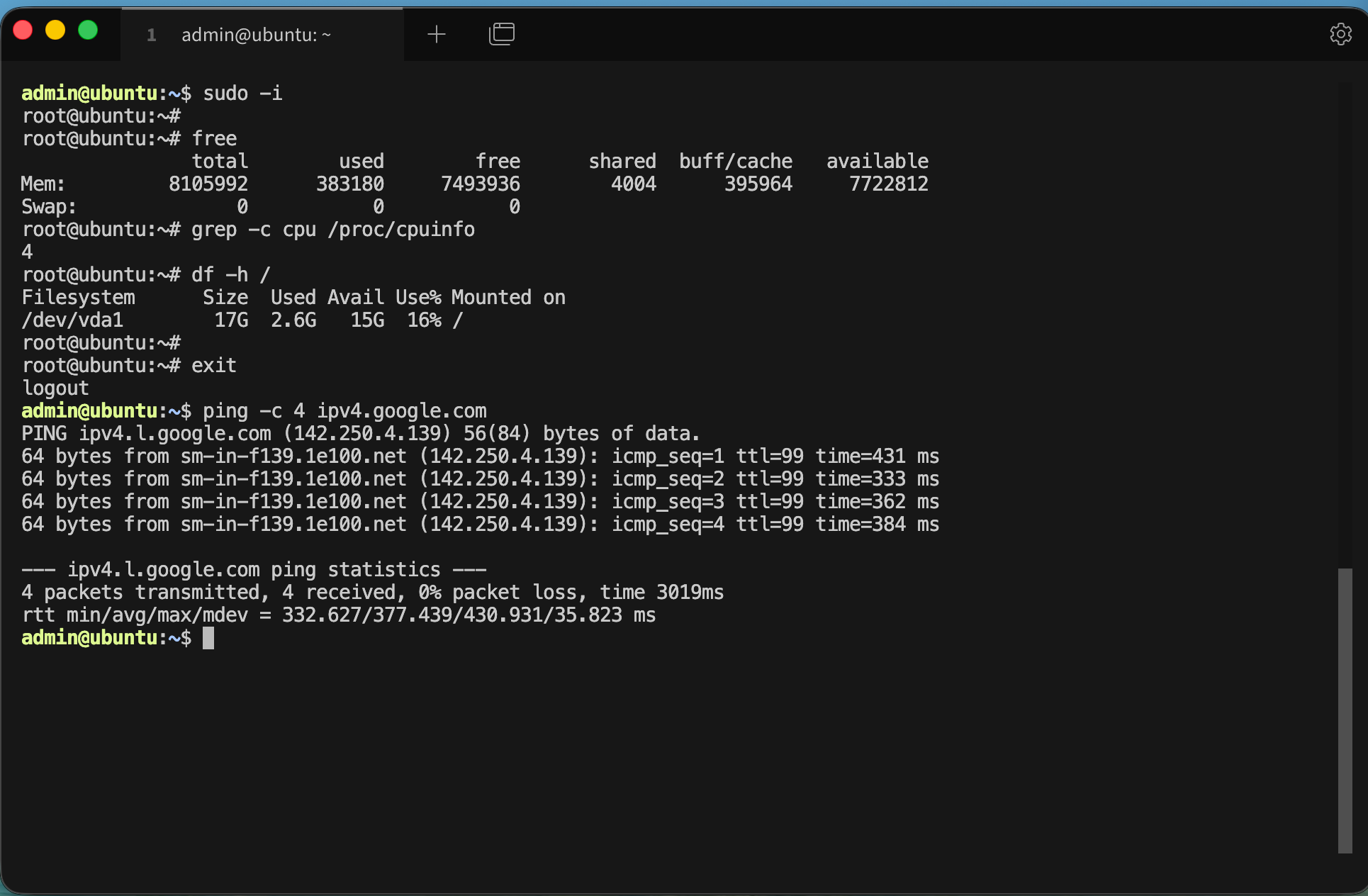
We can start the VM without graphics
❯ tart run ubuntu --no-graphics &Is this vm running ?
✦ ❯ tart list | grep -i ubuntu
local  ubuntu                                      20   3    6 seconds ago running

OCI    ghcr.io/cirruslabs/ubuntu:24.04             20   5    14 hours ago  stopped
OCI    ghcr.io/cirruslabs/ubuntu@sha256:9e71b46... 20   5    14 hours ago  stopped
We can find the IP of the virtual machine
✦ ❯ tart ip ubuntu
192.168.64.2
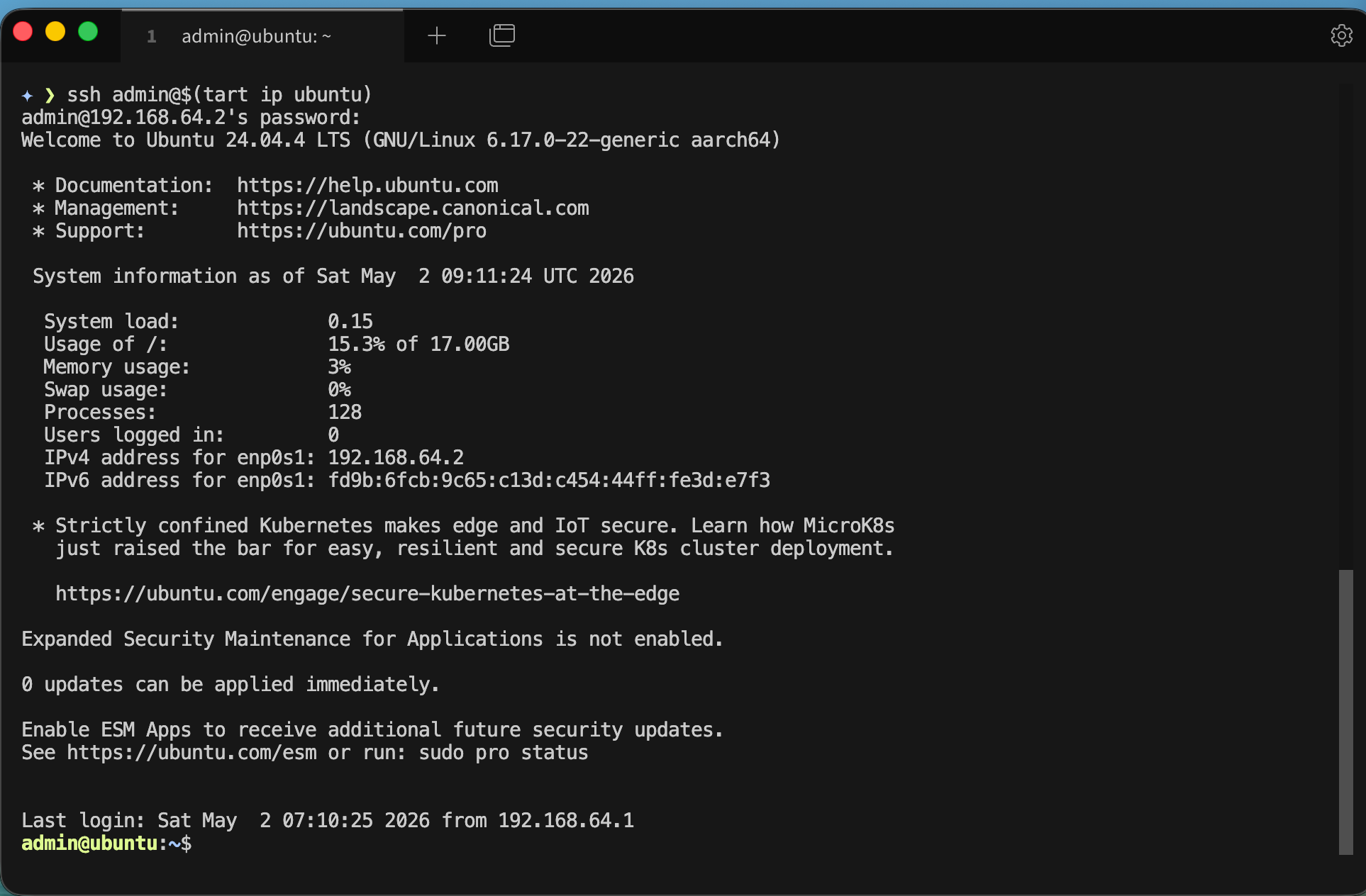
… and we can ssh into the VM
✦ ❯ ssh admin@$(tart ip ubuntu)
admin@192.168.64.2's password:
We can even add it to our tailscale network
I guess you already know how to add machines to your tailnet
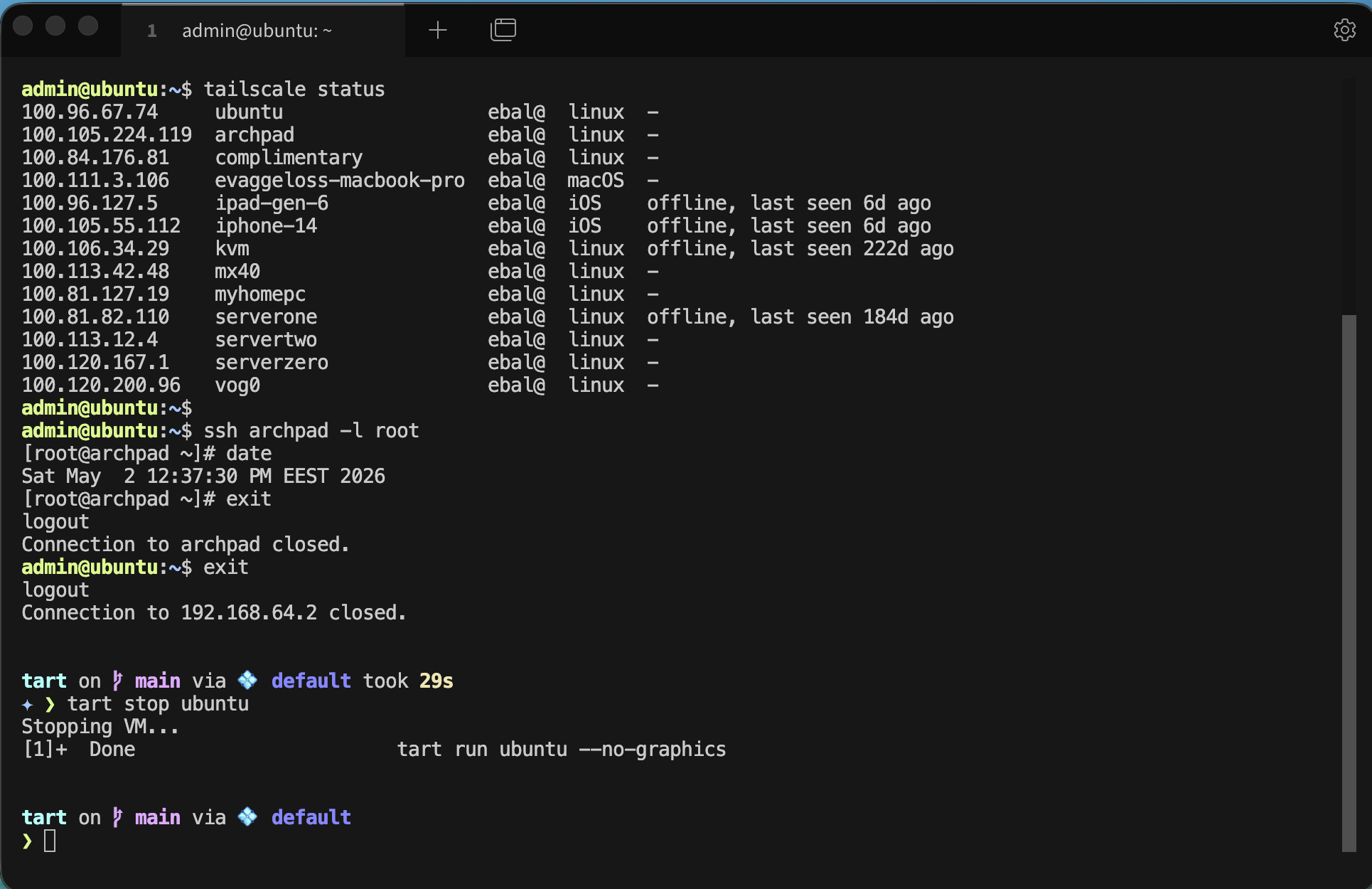
and don’t forget to stop or delete your VMs if you do not need them
tart stop ubuntu
tart delete ubuntu
That’s it !
Evaggelos
Yesterday i helped a company to run a training session.
PLZ keep reading … it’s an interesting article
So i’ve written the process:
- Login to a juniper web (over ssl - self signed) page
- Through this site, download a vmware client
- Run the vmware client that opens a vmware web client instance
- Login to this virtual machine
- Open through this virtual machine a citrix xen virtual desktop
- Login to this virtual machine with DOMAIN credentials
- Open an Internet Explorer to read/run the training session
Most of the tasks are just written procedures that you have to read and some are java applications that you have to run and answer some questions.
So we have 3 different sets of passwords and 3 different technologies to run a java app for training and an IE page for reading some procedures.